Getting started
Your first ticket
A ticket is created the moment a request reaches your workspace. This page walks the fastest path from a fresh workspace to a real ticket sitting in the inbox — and the ways to point your own support address at Open HelpDesk once you are ready.
How requests arrive
Tickets come in through four channels: email, the customer portal, the embeddable widget, and the API. Email is the one you set up first, and the one this page concentrates on. Whichever channel a request uses, it lands as a New ticket in the same inbox.
The address that works immediately
Every workspace is given a support address the moment it is created:
support@acme.open-helpdesk.com — with your own slug in place of acme.
This address is live from the start. It needs no DNS, no verification and no setup: mail sent to it is received by the platform and turned into a ticket straight away. It is the address the onboarding shows you, and the quickest way to see the product work. You can hand it out as-is, or keep it as the destination behind your own address, described next.
Bringing your own address
Most teams want requests to reach a familiar address such as support@yourcompany.com. There are two ways to connect one, both set up under Settings → Email (or during onboarding).
Forwarding
Add your address in the workspace, then, at your own email provider, create a rule that forwards everything sent to it on to your provided address (support@acme.open-helpdesk.com). That forwarding rule lives with your provider — Google Workspace, Microsoft 365, or wherever your mailbox is hosted — not in Open HelpDesk. The address stays marked unverified until the very first email reaches it through your forward; that first message flips it to verified and confirms the path is working.
IMAP
If you would rather have Open HelpDesk collect mail directly, connect the mailbox by IMAP: host, port, and the account's username and password. The password is encrypted at rest. Use the Test button to check the connection; the address turns verified once that connection succeeds.
The widget
The embeddable widget is the no-email path. You drop its script onto your own site, and a visitor who opens the “Need help?” panel and sends a message creates a ticket without leaving the page. They are told every reply will come by email, so a widget ticket continues as an ordinary email conversation. The widget is configured under the portal settings.
Send a test
The best proof is a real message. From any mailbox, send an email to your workspace address:
- Send a short email to
support@acme.open-helpdesk.com(your slug). - Open the agent workspace at /app.
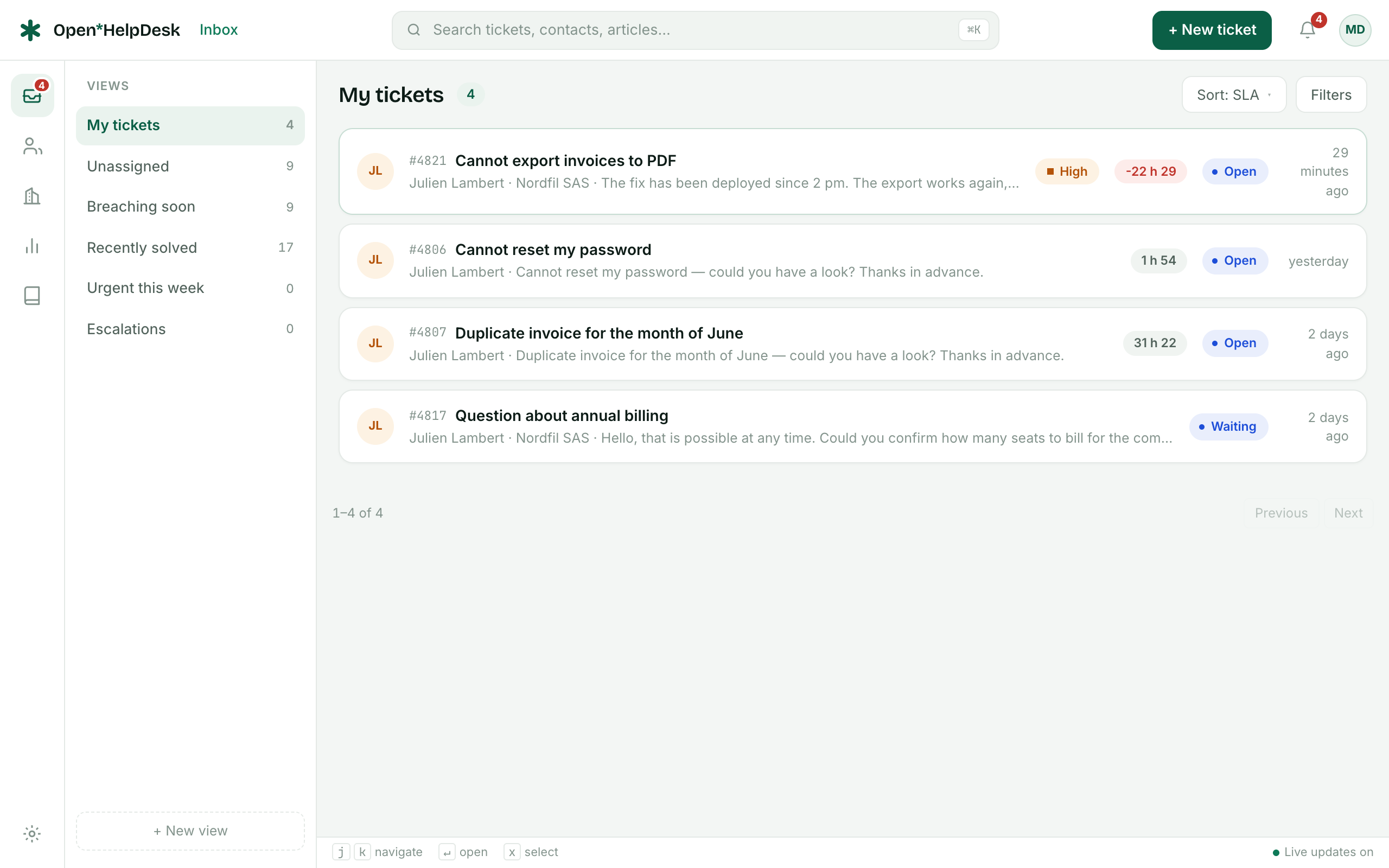
- The message appears as a New ticket, with the sender registered as a contact and the subject as the ticket subject.
- Reply from the ticket; your answer is emailed back to the sender.
The final onboarding step exists for exactly this — it marks itself done as soon as the first ticket exists.